Table of content
Comments
You now have the ability to turn on comments for any service. It can be an event, maintenance request, or anything else. By turning on comments, staff and residents can have a discussion thread within an event or service. This is especially valuable for resident requests where communication and regular updates are important to the resident and their families.
Turning on Comments
Each service has a comments checkbox. This means you can determine at a very distinct level which events or services should have comments turned on. This allows you to control when and where comments are most helpful.

-
Navigate to a service in the Marketplace or open an event in your calendar
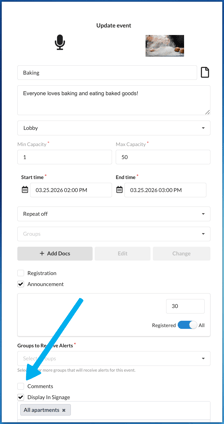
- Click the Comments checkbox
- That service or event will have comments enabled for staff and residents

This is the view when adding Comments to an Event.
Residents
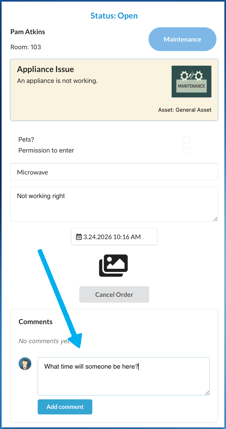
Residents will see the comments in the event or service, as per below. They can enter their comments and it will be visible to staff that is associated with that event or service.
Staff
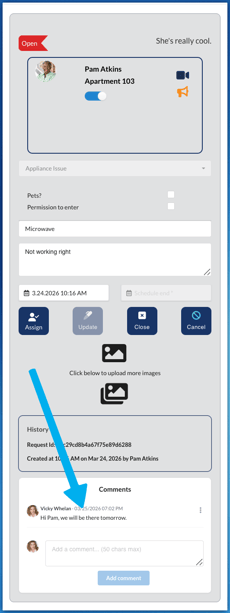
Staff will see a similar view at the bottom of any service: